- Open Store Inventory Worksheets from the Store Inventory menu.
-
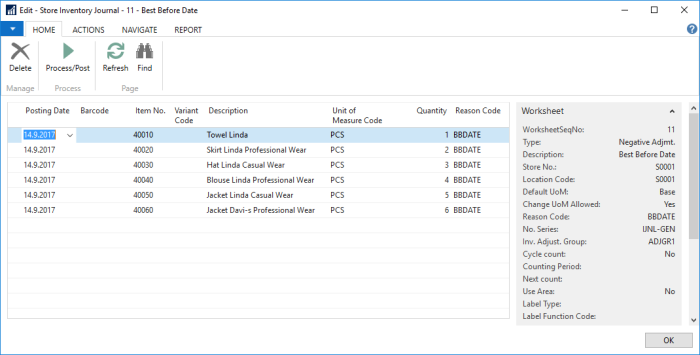
Select a worksheet of the Type Negative Adjustment, and open the worksheet journal by clicking the Edit Journal action.
-
Scan item barcodes or enter the item numbers in the Item No. field, and enter the desired quantity to be adjusted. When all items have been entered, click the Process/Post action. Processed lines are removed from the worksheet journal.
See Also
How to: Import a Text File from a Handheld Device