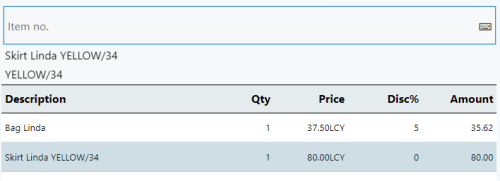
This process is used to cancel discounts. It will remove any total percentage discounts (if any applied) and/or remove the discount for the selected line.
Note: If a total amount discount is applied and needs to be removed, complete the steps for "Total Discount -Amount" with a value of 0.00.
-
If the discount to be canceled is attached to a line, select the line in the POS journal.
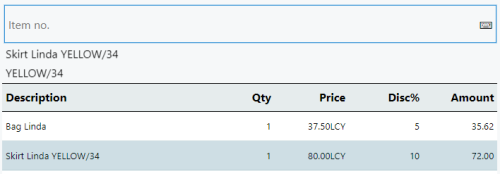
-
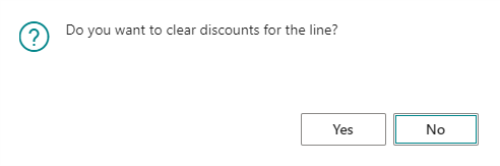
Click the Reset Discount button and select Yes.

-
The discount has been removed.