A Deal is a special promotion with items and a selection of items from a POS PLU menu. The Deal has a special Deal price. The Deal must be selected annually from a POS button. If items in a Deal are selected manually – that is not by the Deal – on the POS, this will not trigger the Deal.
-
Click the
 icon, enter Deal list and select the relevant link.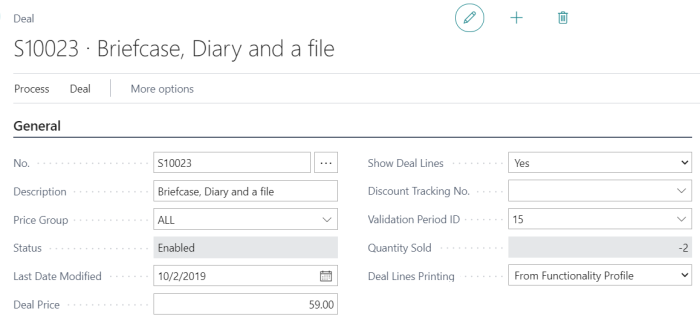
Promotion and Discount Offer
Promotions and Discount Offers work similarly. The main difference is that Promotions are regarded as periodic price changes and build the standard price, while the Discount Offer will work as a discount at the POS. This means that a Discount Offer can be triggered on top of a Promotion. Both offers can be based on specific Price Groups or Currencies. An item can be in only one active promotion at a time.
Multibuy Discount
As the name suggests, a Multibuy Discount offer gives different levels of discounts based on the number of Items the customer buys. In other respects, it works in ways like the Discount Offer.
Mix & Match
The last offer type is Mix & Match. It is a more versatile type of offer since it can be triggered by a combination of factors, such as Items, Product Groups and Variants, Discounts can be in the form of a deal price, a discount amount, a discount percentage, least expensive or be specified for individual Mix & Match lines.