Line Discount %
The line discount lets you give a discount percentage on a specific sales line.
-
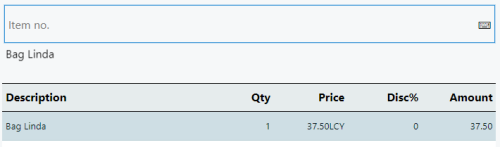
Click the Disc% button of the item line in the POS journal to apply the discount.
-
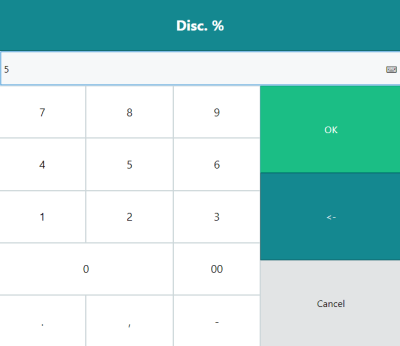
Enter the discount percentage and click OK. Note that if the discount amount is higher than what is allowed by the staff's permission, an error will occur stating the maximum discount percentage available. If a higher discount amount is desired, a manager will need to add the discount.
-
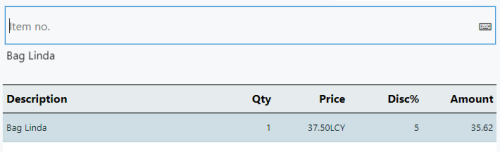
The discount is displayed in the journal.