It is possible to have multiple stores and keep track of sales for each one.
-
Click the
 icon, enter Store List and select the relevant link.
-
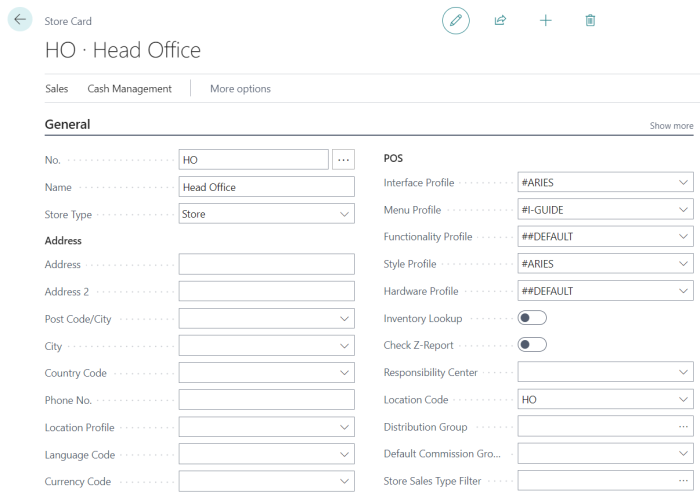
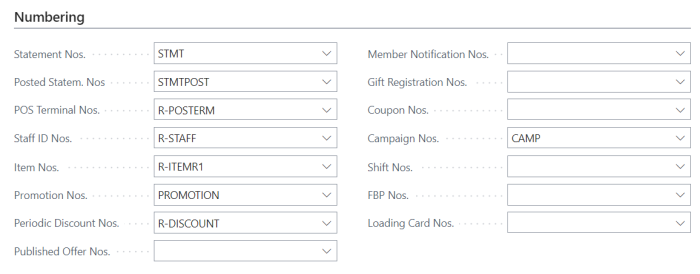
The Store page for the Head Office Location keeps few central settings like the Inventory location and number series for data created centrally at HO.
-
In the Store card, you define the store’s name, address, and other registration information.
-
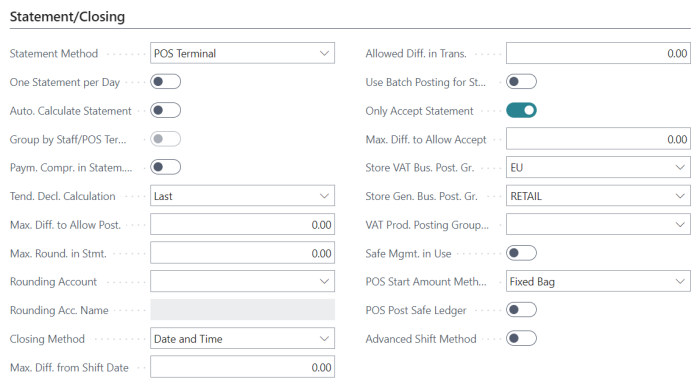
It is important to define posting setups for the store like Store VAT Bus. Product Group and Store Gen. Bus. Posting group. The system creates the Store's number automatically from the store's number series in the Retail Setup page.
-
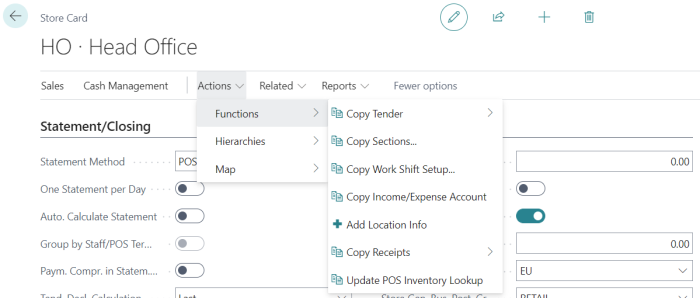
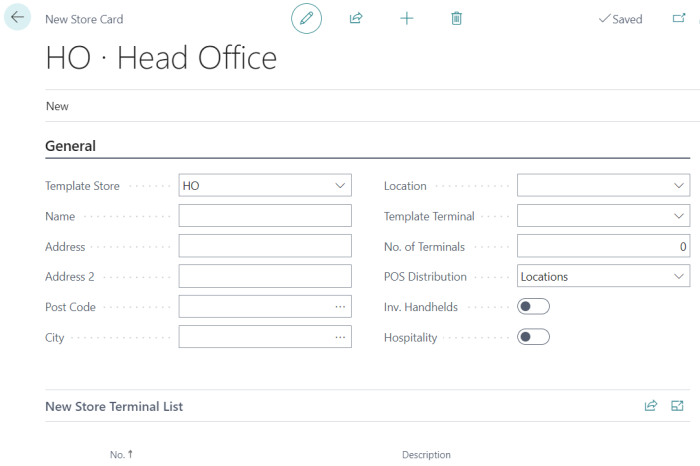
Store setups can be copied from one store to another using Copy functions and/or Templates.